When VS Code belongs in the Distrobox
A broken Codex extension sent me through VS Code, Distrobox, and Flatpak before I realised the editor belonged inside the container.

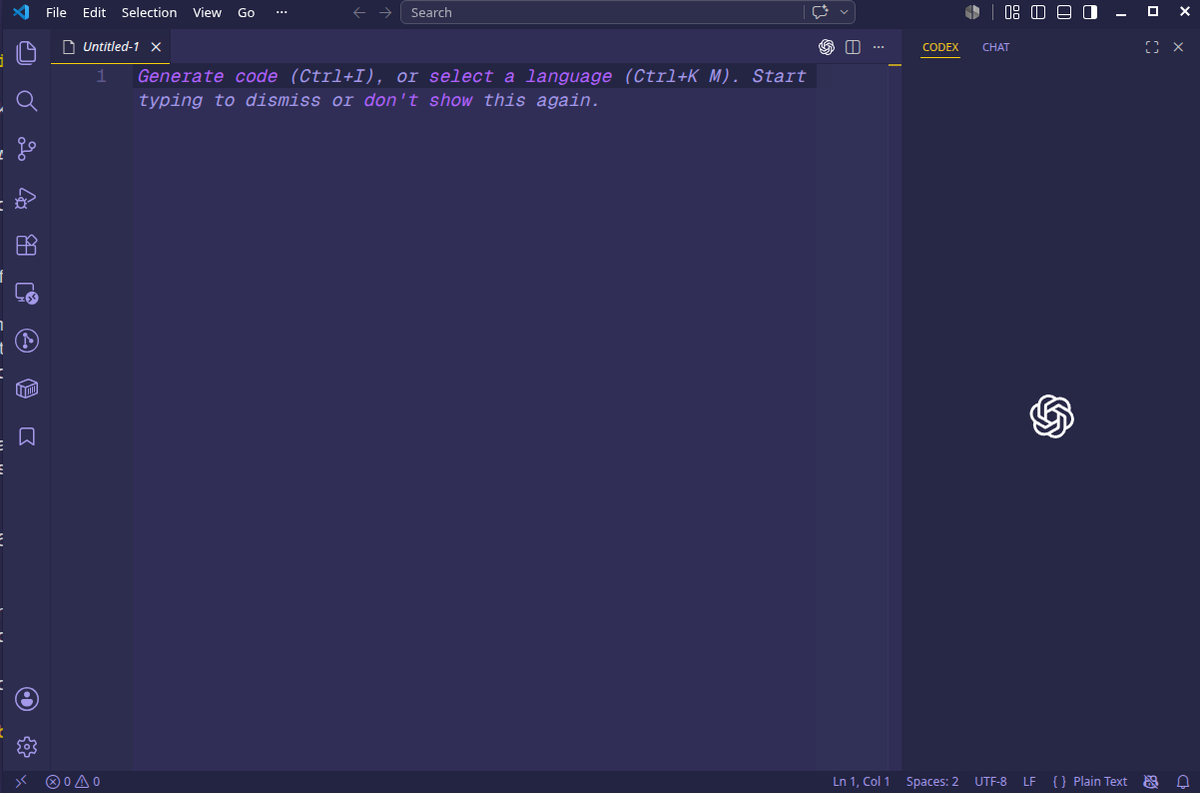
Suddenly, the Codex extension would not initialise in VS Code or show my sessions. It still worked directly in the CLI.
I thought the Codex extension was broken.
Then I thought the OpenAI VS Code extension was broken.
Then I thought my Distrobox was broken.
Then I tried Flatpak VS Code and remembered why Flatpak IDEs can be a special kind of pain.
The eventual fix was simpler than all of that: stop running VS Code on the host and attaching it to the Distrobox. Install VS Code inside the Distrobox and run the editor where the development environment already lives.
The annoying part is that the Codex extension had been inconsistent for at least a couple of weeks. It was not completely broken every day, but it was unreliable enough that I kept circling back to it. Once I finally sat down to fix it properly on 16 July 2026, the whole move to the final setup took about two hours.
Naturally, on the morning of 17 July 2026, Bazzite DX shipped an image update that included VS Code 1.129.0 anyway.
I am still keeping VS Code inside the Distrobox. Partly to avoid being stuck on a version pinned to the Bazzite image, and partly to get some value from the effort I spent getting there.
The setup before it broke
My machine runs Bazzite DX. I use Distrobox for development because I want the host to stay boring and the dev environment to be disposable.
The original workflow looked like this:
Bazzite host VS Code -> attach to Distrobox -> VS Code server inside container
That worked for a while. The host owned the GUI and the container owned the development tools.
Then the Codex extension started showing invalid extension errors. The sidebar would not load properly.
The usual fix would be to clear caches, reinstall the extension, or recreate the container. So I started there.
This burned more time than it should have because every layer looked guilty. Codex had symptoms. VS Code had logs. Distrobox was involved. Flatpak offered a newer build, then introduced a different problem.
The first false lead: Codex itself
The first visible symptom was Codex, so I looked at Codex.
I checked the CLI:
codex --version
The CLI was fine. I also backed up ~/.codex, because Codex sessions and auth live there and I did not want to delete useful history while chasing an extension problem.
The important files were:
~/.codex/sessions
~/.codex/session_index.jsonl
~/.codex/history.jsonl
~/.codex/auth.json
~/.codex/config.toml
Reinstalling the Codex npm package did not fix the VS Code sidebar. That was the first sign the problem was higher up the stack.
The second false lead: the current Distrobox
Next I assumed the Distrobox had become messy. After all, I had used this Distrobox for every experiment or tool in the past few months with much less care than usual because I knew it could be reassembled easily.
I created a new Distrobox and attached VS Code to it. The same class of extension errors appeared. That mattered, because a clean container should have removed broken package state inside the development environment.
If a fresh container has the same issue, the problem is probably not the container.
The real clue: VS Code extension host logs
The extension host logs showed this:
PendingMigrationError: navigator is now a global in nodejs
The error appeared in built-in or host-side extensions before Codex was even the interesting part, including GitHub authentication and Remote Containers.
To be clear, I do not fully understand all the logs that are output in VS Code. Sometimes I see what looks like errors but everything works, and sometimes I struggle to even find the logs for what I am looking for. At this point I asked Codex via CLI to analyse the logs for me.
That changed the diagnosis.
The issue was not really Codex. It was the host VS Code version and its extension host. I had recently updated Bazzite, and the host VS Code was on 1.128.0. That version appeared to bring extension-host behaviour related to Node 24, and the navigator migration error was the clue.
Once the extension host was unstable, Codex just happened to be the extension where I noticed the pain.
The Flatpak attempt
I cannot emphasise how irritating it is to have Flatpak VS Code look so close to being the perfect solution, then have quirky errors pop up about not seeing folders, files, or usually accessible commands like podman. I went so far as to try enabling every single permission using Flatseal, but even that was not enough. I remembered again why I had turned down this option a few months back.
I tried Flatpak VS Code because it was available at a newer version.
It launched as 1.129.0, which was promising. But Flatpak also sandboxes the editor. That immediately created a new problem: VS Code could not find podman when trying to attach to the container.
I tried adding permissions with Flatseal, but Flatpak refused direct access to paths like:
/usr/bin/podman
/usr/bin/docker
/usr/bin/distrobox
It also complained about /var/run because Flatpak manages that namespace itself.
That was enough. Flatpak VS Code might be fine for editing files, but for this workflow it was fighting the tools I actually use.
The host VS Code was layered into Bazzite DX, so it did not update like a normal apt package in a normal Ubuntu install. I had to wait for the image to update. That is fine when the host is just the host. It is less fine when the host editor is suddenly part of my daily development path.
The solution: install VS Code inside the Distrobox
The better model was:
enter Distrobox -> run VS Code inside Distrobox
No host attach. No VS Code remote server layer. No Flatpak sandbox. The editor runs where Node, npm, Codex, apt, project tools, and terminals already are.
Inside the Ubuntu Distrobox, I added the Microsoft apt repo and checked available VS Code versions:
apt list -a code
At the time, the available versions included:
1.129.0
1.128.1
1.128.0
1.127.0
I installed 1.129.0:
sudo apt install -y code=1.129.0-1784074987
Then I launched it with isolated user data and extensions:
code \
  --user-data-dir ~/.config/code-dev-2604 \
  --extensions-dir ~/.vscode-dev-2604/extensions
One important detail: Distrobox shares the home directory with the host, so plain code could reuse the same ~/.config/Code and ~/.vscode/extensions state that had already become messy. The separate directories keep this VS Code install clean.
I made an alias:
alias code-dev="code --user-data-dir ~/.config/code-dev-2604 --extensions-dir ~/.vscode-dev-2604/extensions"
Now the workflow is:
distrobox enter dev-2604
code-dev ~/projects/my-workspace
Surprisingly, VS Code launched normally from inside the Distrobox. The GUI looked right, the terminal was where I expected it to be, and Codex worked from the same environment as the rest of my tools.
A small trap: VS Code terminals as root
During one of the attach attempts, the integrated terminal opened as root even though normal distrobox enter used my user. I cannot recall with certainty, but I think this only occurred when using the original direction: VS Code on host -> attaching to container.
The checks were:
whoami
echo "$HOME"
echo "$XDG_RUNTIME_DIR"
ps -p $$ -o user,comm,args
The broken terminal showed:
root
/home/my-user
/run/user/0
That explained the ble.sh warnings too. The shell was reading my home directory but running as root, so ownership and runtime paths were wrong.
The real fix was to stop attaching through Dev Containers and run VS Code inside the Distrobox as the normal user. If using Dev Containers anyway, the container config needs:
{
  "remoteUser": "my-user"
}
But for this setup I no longer need that path.
Restoring Codex sessions
Codex sessions live under:
~/.codex/sessions
Because Distrobox shares my home directory, the VS Code inside the Distrobox can use the same ~/.codex directory.
To restore sessions from a backup:
mkdir -p ~/.codex

tar --no-same-owner --no-same-permissions \
  -C ~/.codex \
  -xzf ~/backups/codex-sessions-backup-2026-07-16.tgz \
  sessions
I did not blindly restore old auth.json or config.toml. Fresh auth is cleaner if the new extension is already working.
What changed
Before:
host VS Code -> Remote Containers -> VS Code server -> Distrobox
After:
Distrobox -> VS Code -> Codex and dev tools
The second model has fewer layers. It also gives me direct control over the VS Code version through apt inside the Distrobox, instead of waiting for Bazzite packaging to move past a bad release.
Current runbook
Inside the Distrobox:
code --version
codex --version
find ~/.codex/sessions -type f | wc -l
My working versions after the fix were:
VS Code 1.129.0
codex-cli 0.144.5
The alias:
alias code-dev="code --user-data-dir ~/.config/code-dev-2604 --extensions-dir ~/.vscode-dev-2604/extensions"
The launch command:
distrobox enter dev-2604
code-dev ~/projects/my-workspace
What I learned
The mistake was assuming the editor was outside the dev environment.
On an immutable desktop, that assumption becomes expensive. If the host editor version is bad, every container you attach to inherits the pain. If the editor runs inside the Distrobox, it updates with the development environment and sees the same tools the project sees.
I still like Bazzite as the host. If anything, this made the Bazzite idea clearer for me: keep the host stable, boring, and focused on being the workstation base. Put the development tools, including the editor, where the development work actually happens.
The cost now is that I have to enter two commands via terminal to launch VS Code instead of just clicking the VS Code icon. I believe there is a way to export a desktop launcher but I haven't done it as I'm on the terminal often anyway.